
Ikea 40250855
Ikea LILLHULT USB Type C to USB Cable User Manual
Model: 40250855
Inleiding
This user manual provides essential information for the safe and efficient use of your Ikea LILLHULT USB Type C to USB cable. Please read this manual carefully before using the product and retain it for future reference.
Opstel instruksies
The Ikea LILLHULT cable is designed for connecting devices with a USB Type C port to a power source or another device with a standard USB-A port for charging and data transfer.
- Identifiseer verbindings: Locate the USB Type C connector (smaller, reversible) and the standard USB-A connector (larger, rectangular).
- Koppel aan toestel: Insert the USB Type C connector into the compatible port on your smartphone, tablet, or other USB-C enabled device. Ensure it is fully seated.
- Koppel aan kragbron/databron: Insert the USB-A connector into a compatible USB wall adapter, power bank, computer USB port, or other USB-A enabled charging/data port.
- Verifieer verbinding: Confirm that your device indicates it is charging or connected for data transfer.
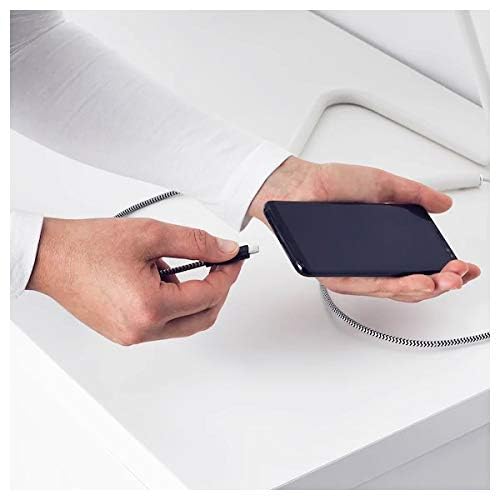
Image: A person connecting the USB Type C end of the cable to a smartphone. This illustrates the initial connection step.
Bedryfsinstruksies
Laai toestelle
Once properly connected to a power source, the cable will facilitate charging of your USB Type C device. Charging speed may vary depending on the power adapter and the device's charging capabilities.
Data-oordrag
This cable supports data transfer at speeds up to 0.48 Gigabits Per Second. To transfer data, connect the USB-A end to a computer's USB port and the USB Type C end to your device. Your device may prompt you to select a connection mode (e.g., "File Oordrag" of "MTP").
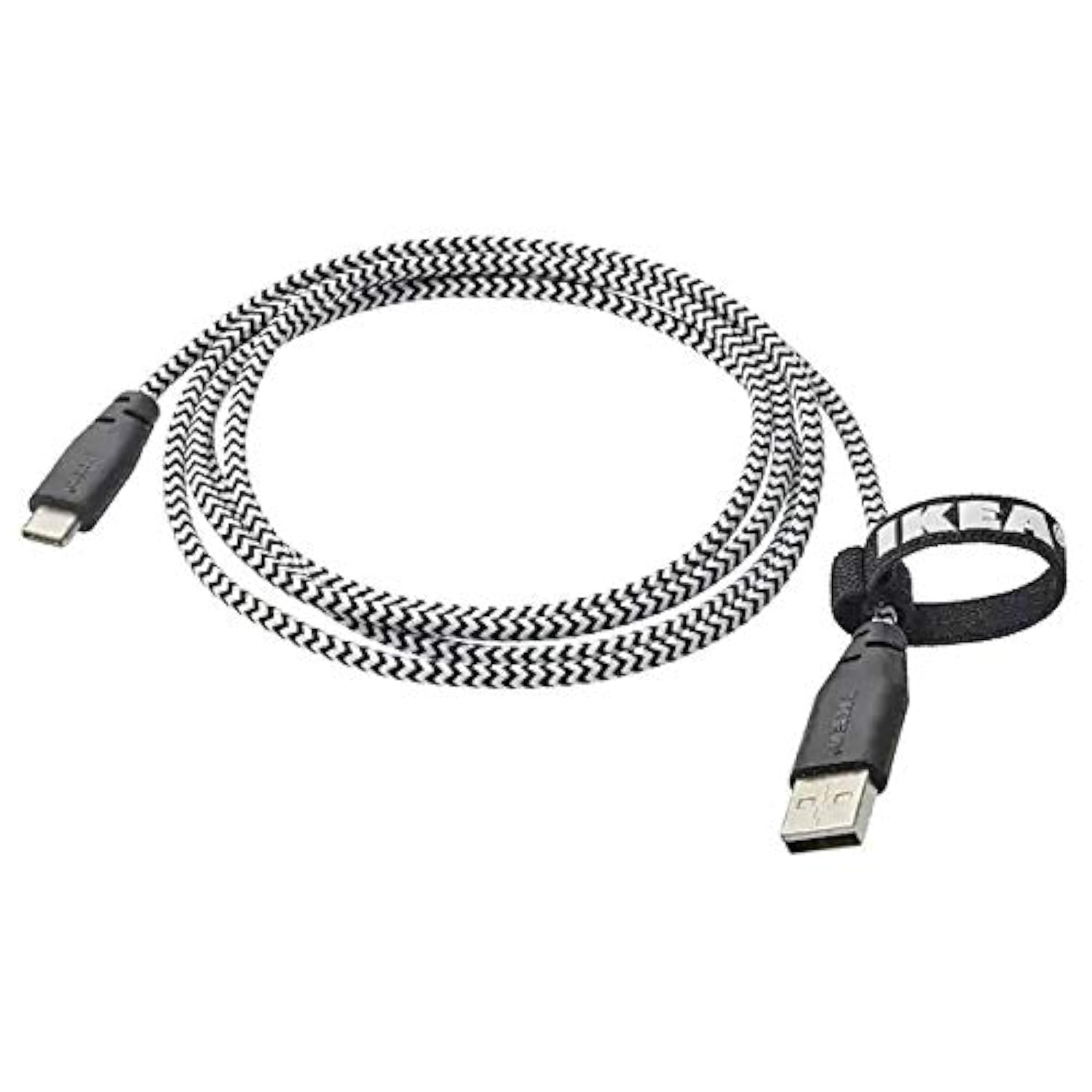
Image: The Ikea LILLHULT cable in use, connecting a smartphone to a charging base, with a laptop in the background. This demonstrates the cable's function in a typical setup.
Onderhoud en versorging
- Skoonmaak: Wipe the cable with a dry, soft cloth. Avoid using harsh chemicals or abrasive cleaners.
- Berging: When not in use, coil the cable loosely. Avoid sharp bends or kinks, especially near the connectors, to prevent internal wire damage. The integrated cable tie can be used for neat storage.
- Hantering: Gryp altyd die konnektorbehuising vas wanneer jy die kabel in of uitprop, eerder as om aan die kabel self te trek.
- Omgewing: Keep the cable away from extreme temperatures, direct sunlight, and moisture.
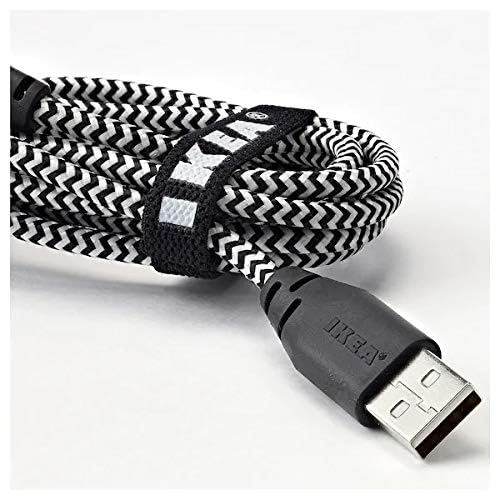
Beeld: 'n Nabyskoot view of the coiled Ikea LILLHULT cable, secured with its integrated cable tie, showing the durable braided design and the USB-A connector with the Ikea logo. This highlights the cable's design for easy storage and durability.
Probleemoplossing
| Probleem | Moontlike oorsaak | Oplossing |
|---|---|---|
| Toestel laai nie. | Loose connection, faulty power adapter, incompatible device. | Ensure both ends of the cable are securely connected. Try a different power adapter or USB port. Verify device compatibility. |
| Stadige laai. | Low-power USB port, power adapter not sufficient, background apps on device. | Gebruik 'n hoër-wattage power adapter. Close unnecessary applications on your device. Ensure the USB port provides adequate power. |
| Data-oordrag werk nie. | Incorrect device settings, driver issues on computer, loose connection. | Check your device's USB connection settings (e.g., select "File Transfer"). Ensure computer drivers are up to date. Reconnect the cable firmly. |
Spesifikasies
- Handelsmerk: Ikea
- Model: 40250855
- Connector Tipe: USB Type C to USB-A
- Kabel tipe: USB
- Lengte: 1.5 meters (4 feet 11 inches)
- Versoenbare toestelle: Charging Adapter, USB Type C enabled devices
- Spesiale kenmerk: Duursame gevlegte ontwerp
- Data-oordragtempo: Tot 0.48 Gigabit per sekonde
- Kleur: Swart
- Item Vorm: Ronde
- Vervaardiger: Ikea
Waarborg en Ondersteuning
For information regarding warranty, returns, or customer support, please refer to the purchase documentation or visit the official Ikea webwebwerf. Bewaar u bewys van aankoop vir enige waarborgeise.
Aanlyn hulpbronne:
- Official Ikea Webwebwerf: www.ikea.com
- Product Support Page (if available): Refer to the Ikea webwebwerf vir spesifieke produkondersteuningsbladsye.
Ask a question about this manual
Ask about setup, troubleshooting, compatibility, parts, safety, or missing instructions. Manuals+ will review the question and use this page’s manual context to help answer it.