
Inleiding
Dankie vir die aankoopasing the Soundbot SB210 HD Stereo Bluetooth Beanie. This manual provides essential information for the proper setup, operation, and maintenance of your device. Please read it thoroughly before use to ensure optimal performance and longevity of the product.
Veiligheidsinligting
- Moenie die toestel aan uiterste temperature of humiditeit blootstel nie.
- Keep the device away from water and liquids, except when the electronic components are removed for washing.
- Moenie probeer om die toestel uitmekaar te haal of te wysig nie. Dit sal die waarborg ongeldig maak.
- Gebruik slegs die meegeleverde laaikabel of 'n gesertifiseerde ekwivalent.
- Vermy om vir lang tye teen hoë volumes te luister om gehoorskade te voorkom.
Pakketinhoud
- Soundbot SB210 HD Stereo Bluetooth Beanie
- Mikro USB-laaikabel
- Gebruikershandleiding
Produk verbyview
The Soundbot SB210 integrates Bluetooth audio technology into a comfortable beanie, allowing for wireless music playback and hands-free calling.

Image: The Soundbot SB210 Beanie featuring its integrated control panel on the side.
Beheerpaneel funksies
- Speel/Pause-knoppie: Power on/off, play/pause music, answer/end calls.
- Volume Op (+) Knoppie: Increase volume (short press), next track (long press).
- Volume Verlaag (-) Knoppie: Decrease volume (short press), previous track (long press).
- Mikrofoon: Vir handvrye oproepe.
- Mikro -USB -poort: Vir die laai van die interne battery.
Opstelling
1. Charging the Beanie
Before initial use, fully charge the beanie. Locate the Micro USB charging port on the control panel. Connect the provided Micro USB cable to the port and the other end to a USB power source (e.g., wall adapter, computer USB port). The LED indicator will show charging status. A full charge typically takes approximately one hour and provides a full day of playback.
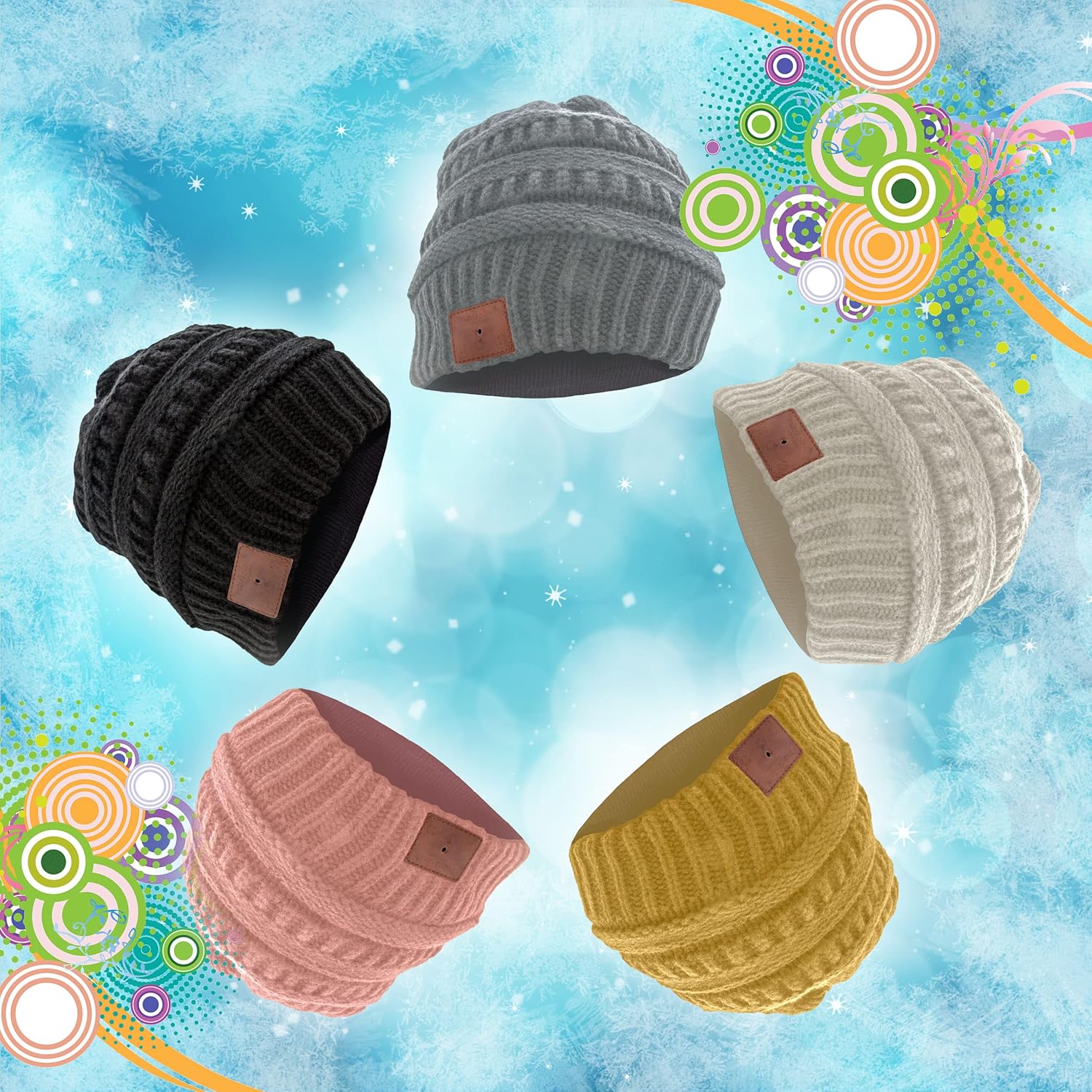
Image: The Micro USB charging port integrated into the beanie's control panel.
2. Koppel met 'n Bluetooth-toestel
- Ensure the beanie is charged and turned off.
- Press and hold the Play/Pause button on the control panel until the LED indicator flashes red and blue alternately. This indicates the beanie is in pairing mode.
- On your Bluetooth-enabled device (smartphone, tablet, etc.), go to the Bluetooth settings and enable Bluetooth.
- Soek vir available devices. You should see "SB210" or "Soundbot Beanie" in the list.
- Select "SB210" to connect. Once successfully paired, the LED indicator will typically show a solid blue light or flash blue slowly.
3. Wearing the Beanie
Place the beanie on your head, ensuring the integrated speakers are positioned comfortably over your ears. The beanie is designed to stay securely in place during various activities.
Video: Official product video demonstrating how to wear, remove components for washing, and charge the Soundbot SB210 Bluetooth Beanie.
Bedryfsinstruksies
1. Skakel aan/af
- Krag aan: Press and hold the Play/Pause button for approximately 3 seconds until the LED indicator lights up.
- Skakel af: Press and hold the Play/Pause button for approximately 3 seconds until the LED indicator turns off.
2. Musiekweergawe
- Speel/pouse: Druk kort op die Speel/Pause-knoppie.
- Volgende snit: Druk die Volume Op (+) knoppie lank.
- Vorige snit: Druk die Volume Verlaag (-) knoppie lank.
3. Volumebeheer
- Verhoog volume: Druk kort op die Volume Op (+) knoppie.
- Verlaag volume: Druk kort op die Volume Verlaag (-) knoppie.
4. Handvrye oproepe
The integrated microphone allows for hands-free communication when paired with your smartphone.
- Beantwoord/beëindig oproep: Druk kort op die Speel/Pause-knoppie.
- Verwerp oproep: Druk lank op die Speel/Pause-knoppie.
- Herbel laaste nommer: Dubbeldruk die Speel/Pause-knoppie.
Onderhoud
1. Wasinstruksies
The beanie is washable, but the electronic components must be removed first.
- Locate the zipper on the inside lining of the beanie.
- Unzip the lining and gently pull out the internal speakers and control module, which are typically held in place by Velcro. Be careful not to pull too hard on the connecting wires.
- Once the electronic components are removed, the beanie can be machine washed according to the fabric care instructions (100% Acrylic, Machine Wash).
- Allow the beanie to dry completely before reinserting the electronic components.
- Carefully reinsert the speakers and control module, ensuring they are properly positioned over the ears, and secure them with the Velcro. Zip up the lining.

Image: The internal speaker component that needs to be removed before washing.
2. Berging
Store the beanie in a cool, dry place away from direct sunlight and extreme temperatures when not in use.
Probleemoplossing
- Device will not power on: Ensure the beanie is fully charged. Connect it to a power source using the Micro USB cable.
- Kan nie met Bluetooth-toestel koppel nie:
- Ensure the beanie is in pairing mode (LED flashing red and blue).
- Make sure Bluetooth is enabled on your device and it is within range (up to 33 feet).
- Try turning off and on both the beanie and your Bluetooth device.
- Clear previous Bluetooth connections on your device and attempt to pair again.
- Geen geluid of lae volume:
- Check the volume levels on both the beanie and your connected device.
- Ensure the beanie is properly paired and connected.
- Verify that the speakers are correctly positioned over your ears.
- Blue LED flashes during use: This is normal behavior indicating the Bluetooth connection is active.
Spesifikasies
| Handelsmerk | Klankbot |
| Model | SB210 |
| Konnektiwiteit | Bluetooth 4.1 |
| Wireless Range | Tot 33 voet (10 meter) |
| Battery | Rechargeable (approx. 1 hour charge time for full day playback) |
| Materiaal | 100% Akriel |
| Versorgingsinstruksies | Machine Wash (after removing electronics) |
| Gewig | 9 gram |
| Kleur | Swart |
Waarborg en Ondersteuning
Soundbot products are designed and manufactured to the highest quality standards. For specific warranty details and support, please refer to the warranty card included with your purchase or visit the official Soundbot webwebwerf.
Amptelik Webwebwerf: www.SoundBot.com