
Inleiding
Die Logitech C930e Webcam is a business-grade HD video webcam designed for high-quality video conferencing and streaming. It offers full 1080p HD video at 30 frames per second, a wide field of view, and advanced features for clear communication across various platforms.
Opstelling
Verbind die Webnok
Die Logitech C930e Webcam connects to your device via a standard USB cable. Simply plug the USB connector into an available USB port on your computer (PC or Mac). The webcam is designed for plug-and-play functionality, meaning it should be recognized automatically by most operating systems.
Plasingsopsies
Die webcam features a versatile clip that allows for multiple placement options:
- Op 'n monitor: Adjust the flexible clip to securely fit over the top edge of your computer monitor. The design ensures a stable fit on various screen types, including laptops, LCD, or CRT monitors.
- On a Tabletop: Die webcam can also be placed directly on a flat surface, such as a desk or table, using its integrated stand.
- Op 'n driepoot: For more flexible positioning, the webcam includes a standard tripod thread on its base, allowing it to be mounted on any compatible tripod.

Logitech C930e Webcam with its versatile clip, suitable for monitor or tabletop placement.
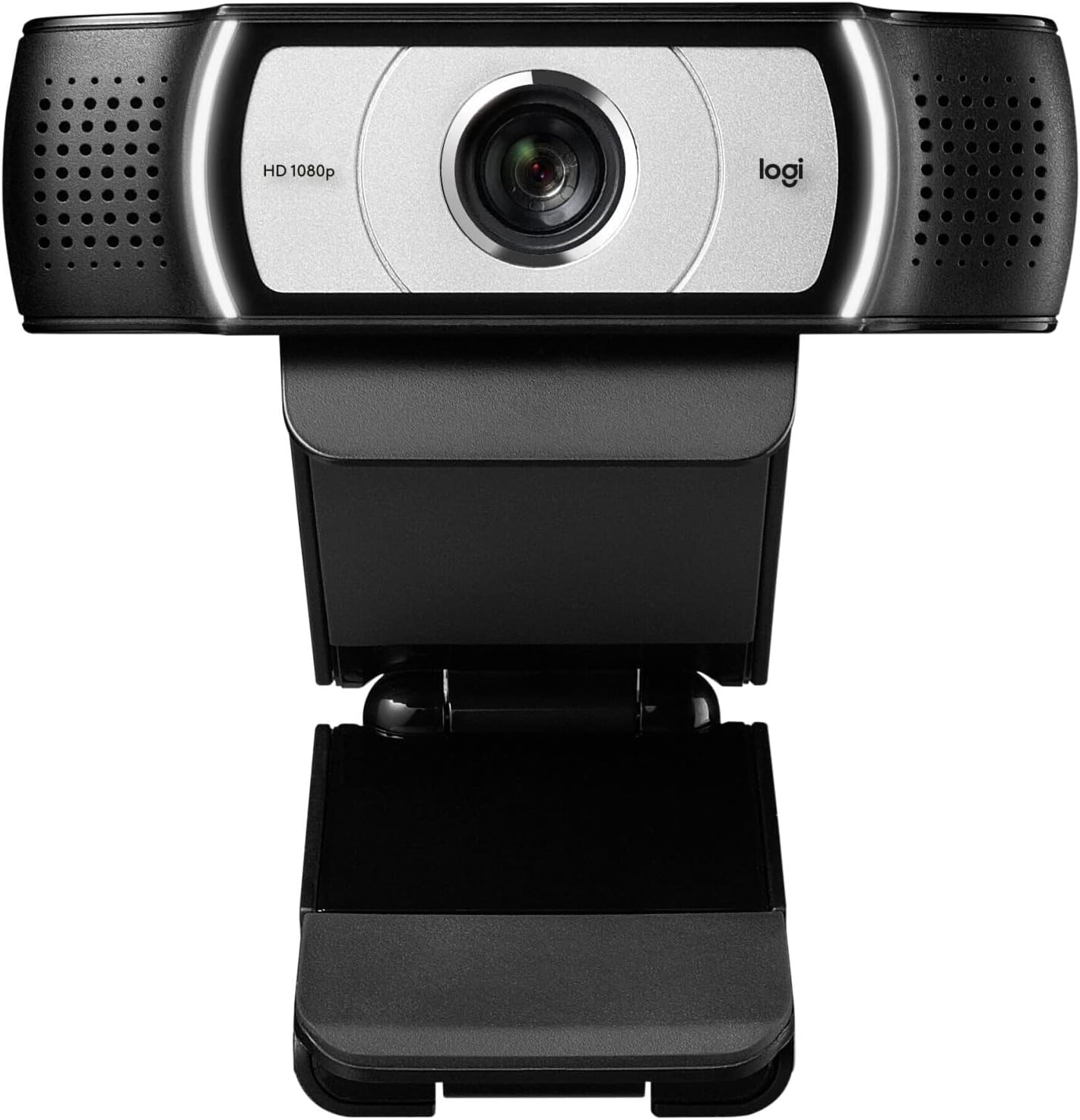
Voorkant view of the Logitech C930e Webcam, highlighting the HD 1080p lens.

Agter view van die webcam, showing the adjustable clip mechanism.

Kant view illustreer die webcam's compact design and integrated stand.
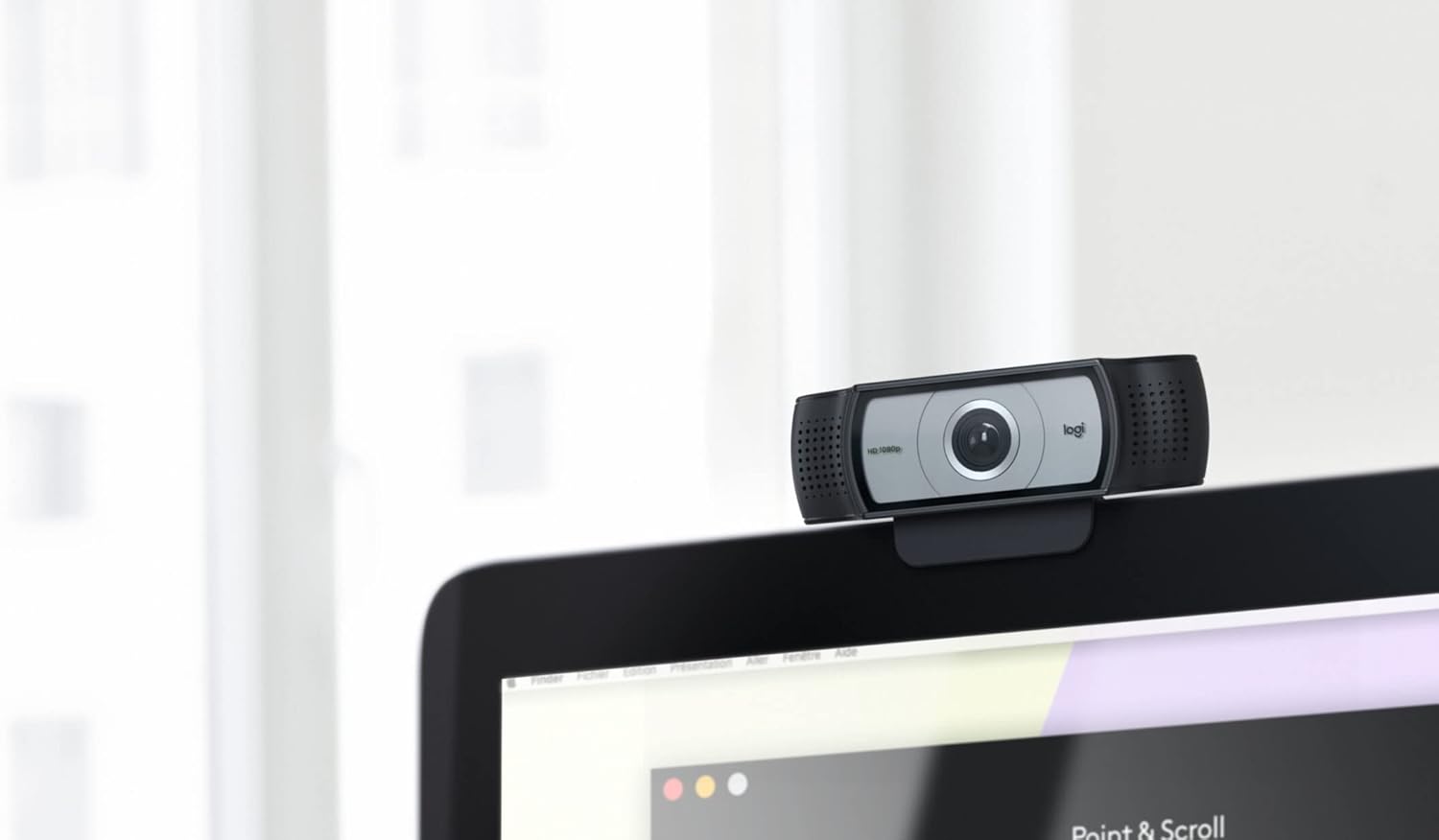
Logitech C930e Webcam securely mounted on top of a computer monitor.
Bedryf die Webnok
Sleutel kenmerke
- Full 1080p HD Video: Experience clear and sharp video quality at 30 frames per second, ideal for professional video calls and content creation.
- 90-Degree Extended Field of View: Capture a wider area, perfect for whiteboard presentations, product demonstrations, or including multiple participants in a meeting.
- Outofokus: The camera automatically adjusts focus to ensure you remain sharp and clear, even if you move.
- UVC H.264 Encoding: This technology offloads video processing from your computer to the camera, resulting in a smoother video stream and reduced bandwidth usage.
- Ingeboude mikrofoon: The integrated microphone provides clear audio capture, eliminating the need for an external microphone in many scenarios.
- Privaatheidsdekking: A physical privacy cover is included to ensure your privacy when the webcam is not in use. Simply snap it over the lens to block the camera view.
Verenigbaarheid
Die Logitech C930e Webcam offers plug-and-play compatibility with most major operating systems and conferencing applications. It is certified for Microsoft Lync 2013 and Skype, and compatible with PC, laptop, and Mac platforms. It works seamlessly with popular unified communications (UC) and web konferensie aansoeke.
Onderhoud
Om die lang lewe en optimale prestasie van jou te verseker webkamera, volg hierdie eenvoudige onderhoudsriglyne:
- Skoonmaak: Gently wipe the lens with a soft, lint-free cloth. Avoid using abrasive cleaners, solvents, or harsh chemicals that could damage the lens or casing.
- Berging: When not in use, especially during transport, utilize the privacy cover to protect the lens from dust, scratches, and accidental activation.
- Kabelversorging: Avoid sharp bends or excessive pulling on the USB cable to prevent internal wire damage. Store the cable neatly when not in use.
Probleemoplossing
| Kwessie | Moontlike oorsaak | Oplossing |
|---|---|---|
| Webkamera nie bespeur nie | Loose USB connection, outdated/missing drivers, USB port issue. | Reconnect USB cable to a different port. Restart your computer. Check your device manager (Windows) or System Information (Mac) for the webcam and update drivers if necessary. |
| Poor video quality (blurry, dark, grainy) | Insufficient lighting, dirty lens, incorrect software settings, slow internet connection. | Ensure adequate lighting in your environment. Gently clean the lens. Adjust video settings (brightness, contrast, white balance) within your video conferencing application. Check internet speed. |
| Geen klank van mikrofoon af nie | Microphone muted, incorrect audio input selected, software conflict. | Check if the microphone is muted in your system settings or conferencing application. Select "Logitech C930e" as the audio input device. Close other applications that might be using the microphone. |
Spesifikasies
| Kenmerk | Detail |
|---|---|
| Model Naam | Logitech C930e Webnok |
| Modelnommer | 960-000972 |
| Maksimum skermresolusie | 1920x1080 piksels |
| Video-opname-resolusie | 1080p |
| Item gewig | 5.7 onse |
| Produkafmetings (LxBxH) | 3.7 x 1.7 x 2.8 duim |
| Kleur | Swart |
| Bedryfstelselversoenbaarheid | Multi-platform (PC, laptop, Mac) |
| Spesiale kenmerk | Lae lig |
| Konnektiwiteit | USB |
Waarborg en Ondersteuning
For detailed warranty information, technical support, and access to the latest drivers and software, please visit the official Logitech support website. You can typically find support resources by searching for your product model number (C930e or 960-000972) on their website. Additional documentation may also be included with your product packaging.