
Belangrike veiligheidsinligting
Please read and understand all instructions before using the laminator. Keep this manual for future reference.
- Moenie die lamineerder gebruik as die kragkabel of prop beskadig is nie.
- Keep the laminator away from water or other liquids.
- Do not insert metal objects into the laminator.
- Verseker behoorlike ventilasie rondom die masjien tydens werking.
- Ontkoppel die lamineerder wanneer dit nie gebruik word nie of voor skoonmaak.
- Hierdie toestel is nie bedoel vir gebruik deur persone (insluitend kinders) met verminderde fisiese, sensoriese of geestelike vermoëns, of 'n gebrek aan ervaring en kennis nie, tensy hulle toesig of instruksies oor die gebruik van die toestel gegee is deur 'n persoon wat verantwoordelik is vir hul veiligheid.
Produk verbyview
The Amazon Basics 9-Inch Thermal Laminator is designed for home, office, or classroom use, providing high-quality lamination for various document sizes.
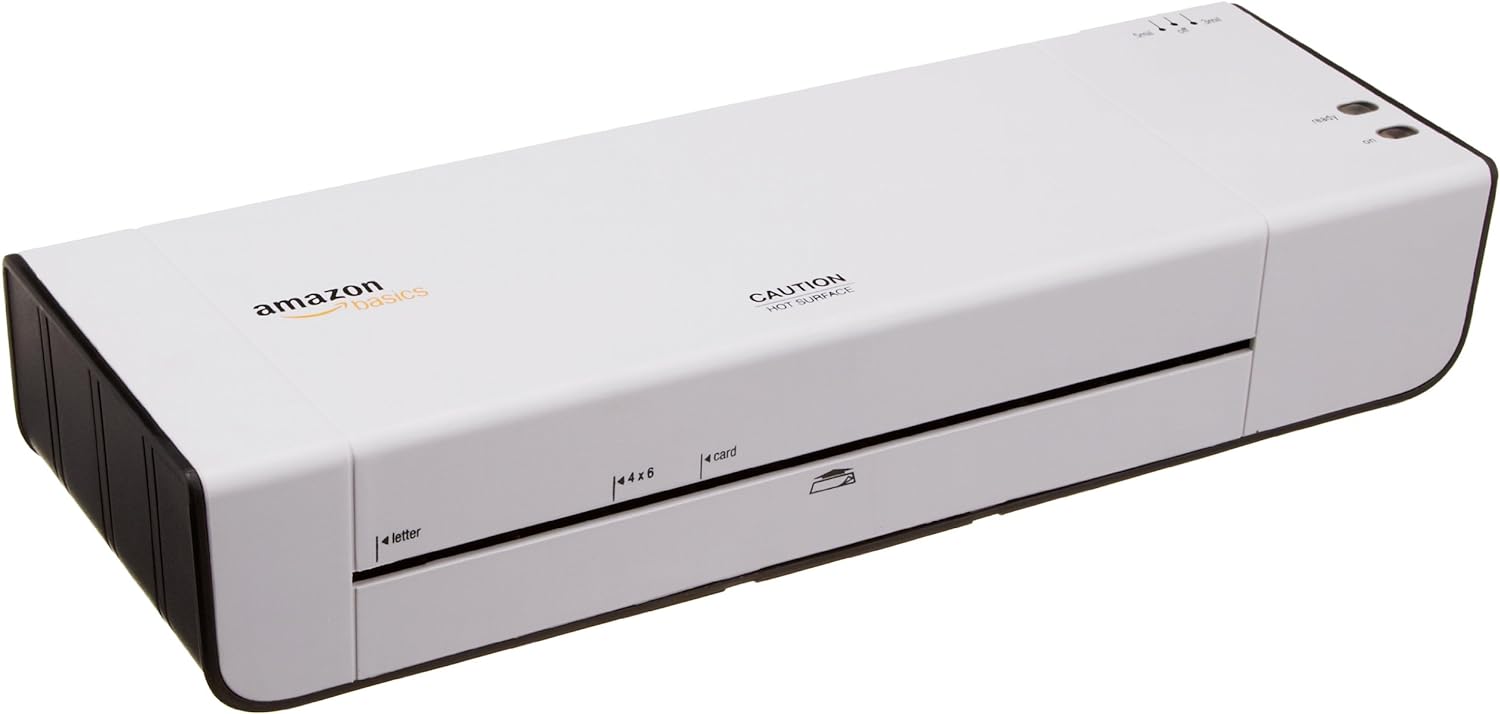
Figuur 1: Voorkant view of the Amazon Basics 9-Inch Thermal Laminator Machine, showing the feed slot and branding.
Sleutel kenmerke:
- Laminates documents up to 9 inches wide.
- Two heat settings: 3 mil and 5 mil.
- Quick 4-minute warm-up time.
- Jam release lever for easy clearing.
- Kompakte ontwerp.
Opstelling
Uitpak:
Carefully remove the laminator from its packaging. Retain the packaging for future storage or transport.
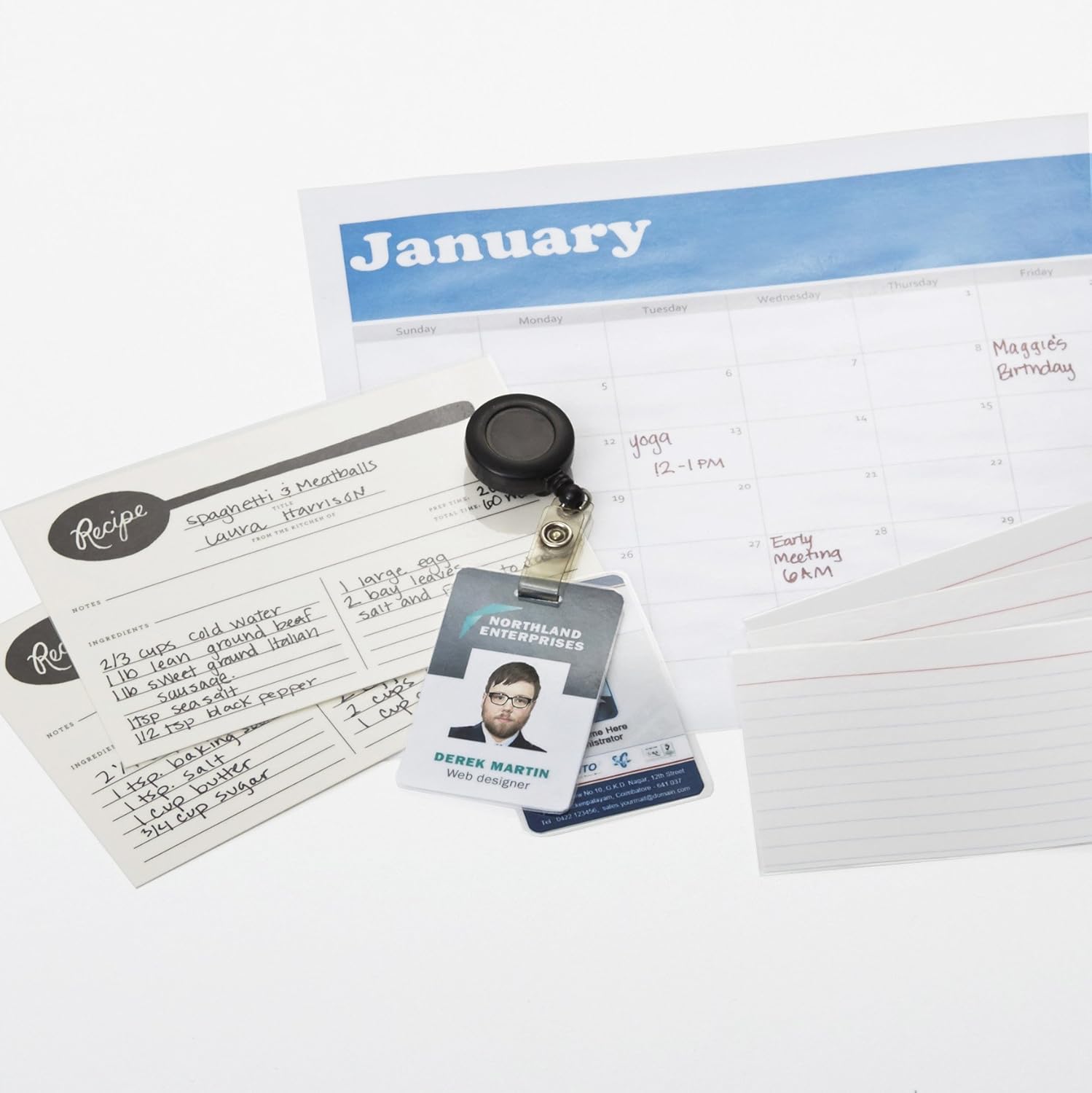
Figure 2: The laminator machine as it appears inside its frustration-free packaging.
Plasing:
Place the laminator on a flat, stable, and heat-resistant surface. Ensure there is adequate space around the machine for proper ventilation and for documents to exit the rear.
Kragverbinding:
Plug the power cord into a standard electrical outlet. The power switch is located on the side of the unit.

Figuur 3: Close-up view of the power switch, 3mil/5mil heat settings, and release lever on the side of the laminator.
Bedryfsinstruksies
Laminating a Document:
Power On and Warm-up:
Turn the power switch to the "On" position. The "Ready" indicator light will illuminate once the machine has warmed up (approximately 4 minutes).
Kies hitte-instelling:
Choose the appropriate heat setting based on the laminating pouch thickness:
- 3 mil: For normal documents, photos, and card stock.
- 5 mil: For thinner papers.
Berei dokument voor:
Place the document inside a laminating pouch, ensuring it is centered and there is an even border around the edges. Use the included 3 mil thick, 8.9 by 11.4 inch laminating pouches or any compatible 3 mil or 5 mil pouch.

Figuur 4: Example of laminating recipe cards, showing the document being fed into the laminator.
Plaas sakkie in:
Carefully insert the sealed edge of the laminating pouch into the laminator's feed slot. The machine will automatically pull the pouch through.

Figure 5: A calendar page being laminated, demonstrating the machine's ability to handle various document types.
Kry gelamineerde dokument op:
Once the pouch exits the rear of the machine, allow it to cool on a flat surface before handling to ensure proper sealing.

Figure 6: A collection of laminated items, including recipe cards, ID badges, and a calendar, showcasing the versatility of the laminator.
Onderhoud
Skoonmaak:
Ensure the laminator is unplugged and completely cool before cleaning. Wipe the exterior with a soft, damp lap. Moenie skuur skoonmaakmiddels of oplosmiddels gebruik nie.
Roller Cleaning (Optional):
Periodically, you may run a cleaning sheet (available separately) through the laminator to remove any adhesive residue from the rollers.
Berging:
Store the laminator in a cool, dry place when not in use. Ensure the power cord is neatly wrapped and not kinked.
Probleemoplossing
| Probleem | Moontlike oorsaak | Oplossing |
|---|---|---|
| Lamineermasjien skakel nie aan nie. | Nie ingeprop nie; kragskakelaar af; geen krag by die stopcontact nie. | Check power cord connection; ensure power switch is "On"; test outlet with another device. |
| Pouch jams in the machine. | Pouch inserted incorrectly; pouch too thick; foreign object. | Druk die los hefboom to clear the jam. Ensure pouch is inserted sealed edge first and is within specified thickness (3 or 5 mil). |
| Lamination is cloudy or bubbly. | Incorrect heat setting; machine not fully warmed up; low-quality pouch. | Ensure correct heat setting (3 mil for normal, 5 mil for thinner); wait for "Ready" light; use high-quality laminating pouches. |
| Lamination is not sealed properly. | Incorrect heat setting; machine not fully warmed up; document too thick for pouch. | Verify heat setting; wait for "Ready" light; ensure document fits pouch with adequate border. |
Spesifikasies
| Kenmerk | Detail |
|---|---|
| Modelnommer | PL9-US |
| Lamineerbreedte | Tot 9 duim |
| Hitte instellings | 3 mil, 5 mil |
| Opwarmingstyd | Ongeveer 4 minute |
| Aantal rollers | 2 |
| Gewig | 1.2 kg |
| Kragtoevoer | Standaard lugversorging |
Waarborg en Ondersteuning
For warranty information and customer support, please visit the official Amazon Basics webwebwerf of kontak Amazon-kliëntediens direk.
Aanlyn ondersteuning: Amazon Basics Winkel
Note: Reading the full user manual is recommended prior to the first use of this product.