
1. Inleiding
This manual provides essential information for the proper installation, use, and maintenance of the Lithonia Lighting WGZ48 4-Foot Wire Guard. This accessory is designed to protect lamps within compatible Lithonia Lighting Z Series strip lights from physical damage and flying debris. Please read these instructions thoroughly before installation to ensure safe and effective operation.
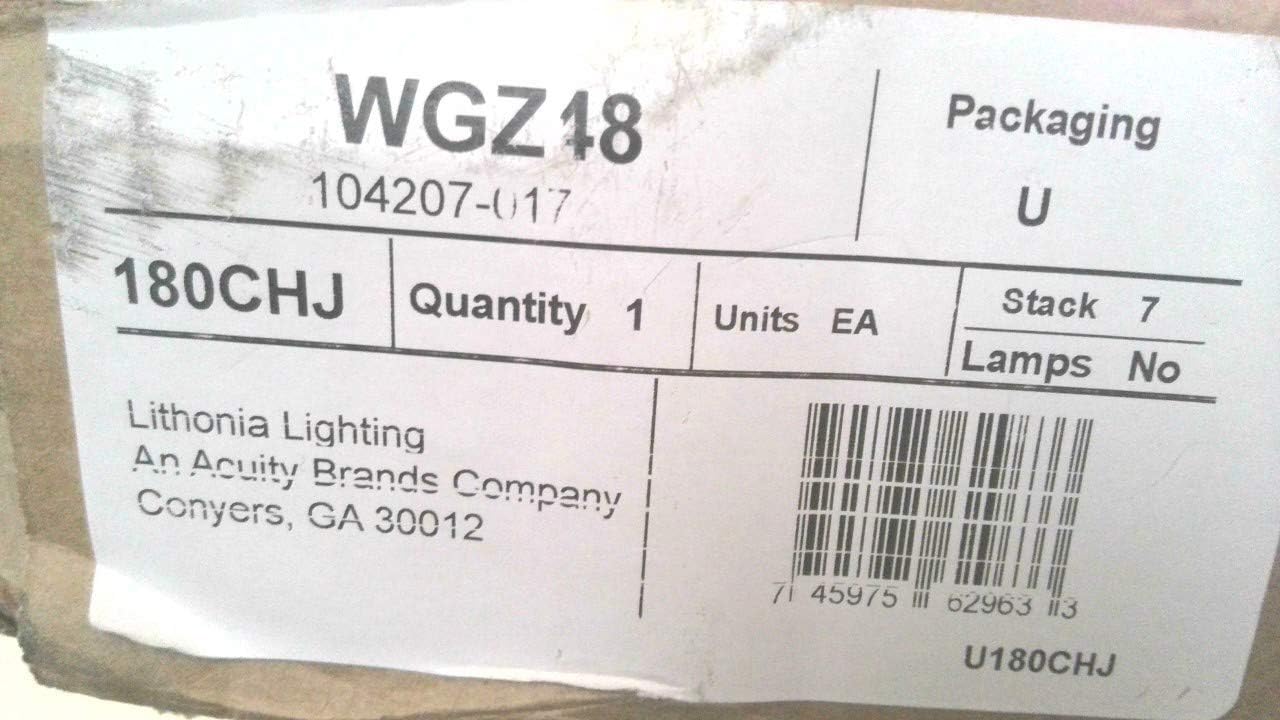
Image 1.1: The Lithonia Lighting WGZ48 4-Foot Wire Guard. This image shows the full length of the white wire guard, designed to fit over a 4-foot strip light fixture.
2. Veiligheidsinligting
Always observe basic safety precautions when installing or maintaining electrical accessories. Failure to follow these instructions could result in electric shock, fire, or personal injury.
- Ontkoppel krag: Ensure power to the lighting fixture is turned off at the circuit breaker before installation, inspection, or removal of the wire guard.
- Gekwalifiseerde personeel: Installation should be performed by a qualified electrician or trained personnel familiar with lighting fixture installation and safety procedures.
- Verenigbaarheid: Use this wire guard only with Lithonia Lighting Z Series strip lights as specified. Using it with incompatible fixtures may result in improper fit or reduced protection.
- Inspekteer vir skade: Before installation, inspect the wire guard for any signs of damage. Do not install a damaged product.
3. Pakketinhoud
Verify that all components are present before beginning installation. The package should contain:
- 1 x Lithonia Lighting WGZ48 4-Foot Wire Guard

Image 3.1: Packaging for the Lithonia Lighting WGZ48 Wire Guard. This image displays the brown cardboard box in which the wire guard is shipped, showing a label with product information.

Image 3.2: Close-up of the packaging label for the WGZ48. The label clearly shows the model number "WGZ48", "Lithonia Lighting", and the UPC barcode 0745975629633.
4. Opstelling en installering
The Lithonia Lighting WGZ48 Wire Guard is designed for easy attachment to compatible Z Series strip lights. Follow these steps for proper installation:
- Berei die toebehore voor: Ensure the Lithonia Lighting Z Series strip light (sold separately) is securely mounted and all electrical connections are complete and safe.
- Skakel af: BELANGRIK: Turn off the power supply to the lighting fixture at the circuit breaker before proceeding. Verify that the fixture is completely de-energized.
- Position the Wire Guard: Carefully align the wire guard over the lamps of the Z Series strip light. The guard is designed to snap into place or attach via integrated clips/tabs on the Z Series fixture.
- Beveilig die Wag: Gently press the wire guard onto the fixture until it is firmly seated and secured. Ensure all attachment points are engaged. The guard should fit snugly, providing full coverage over the lamps.
- Verifieer installasie: Once attached, gently tug on the wire guard to ensure it is securely fastened and will not dislodge easily.
- Herstel krag: After confirming secure installation, restore power to the lighting fixture at the circuit breaker.
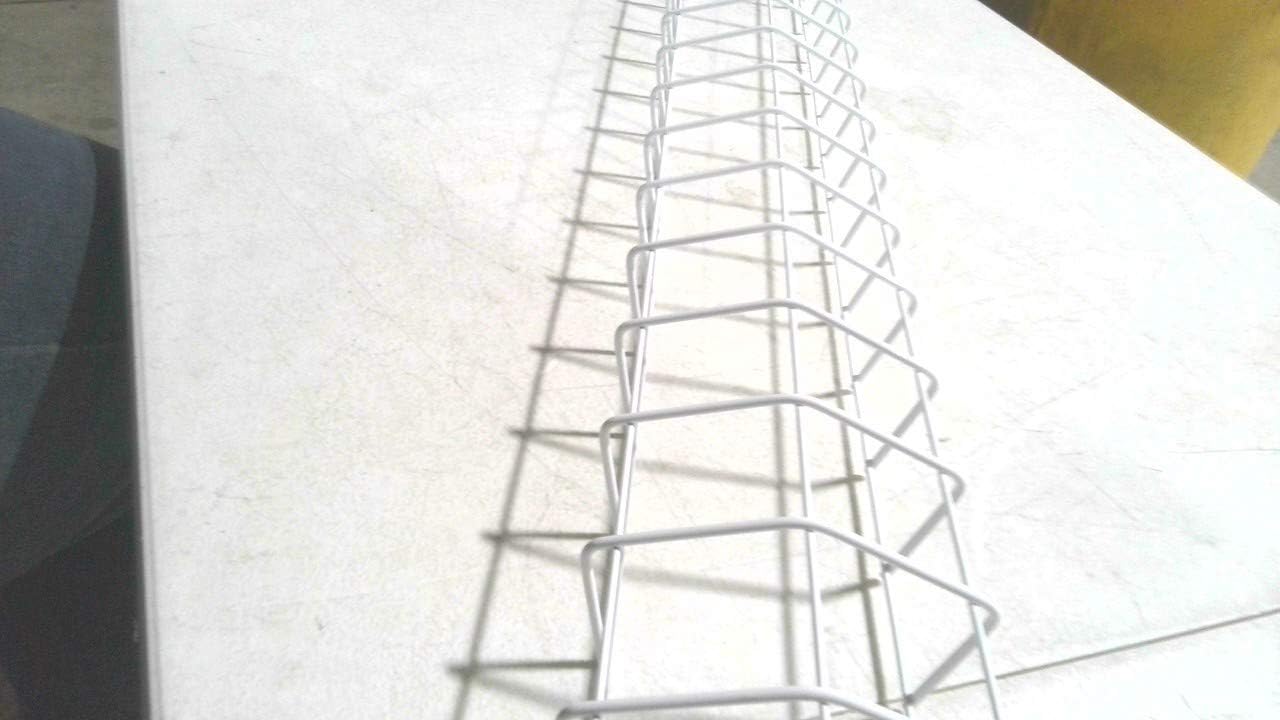
Beeld 4.1: Gedetailleerd view of the WGZ48 wire guard's construction. This image highlights the grid pattern and robust wire frame, illustrating how it provides protection while allowing light to pass through.
5. Operasie
The Lithonia Lighting WGZ48 Wire Guard is a passive protective accessory. Once correctly installed, it operates by providing a physical barrier against impacts and debris, safeguarding the lamps of your Z Series strip light. No further operational steps are required beyond ensuring it remains securely attached.
6. Onderhoud
Regular maintenance helps ensure the longevity and effectiveness of your wire guard.
- Skoonmaak: Periodically clean the wire guard with a soft, damp cloth to remove dust and debris. Avoid abrasive cleaners or solvents that could damage the finish. Ensure power is off before cleaning.
- Inspeksie: Routinely inspect the wire guard for any signs of damage, bending, or corrosion. Check that it remains securely attached to the lighting fixture.
- Vervanging: If the wire guard becomes significantly damaged or corroded, it should be replaced to maintain optimal protection.
7. Probleemoplossing
This section addresses common concerns regarding the wire guard.
- Wire Guard Does Not Fit:
- Ensure the lighting fixture is a Lithonia Lighting Z Series strip light. This wire guard is specifically designed for this series.
- Verify the length of the wire guard matches the length of your strip light (4-foot).
- Wire Guard is Loose:
- Re-check all attachment points to ensure the guard is fully snapped into place or secured by the fixture's clips/tabs.
- Inspect the wire guard for any deformation that might prevent a snug fit.
- Damage to Wire Guard:
- If the wire guard is bent or broken, its protective capabilities may be compromised. Consider replacing the unit.
8. Spesifikasies
| Modelnommer | WGZ48 |
| Handelsmerk | Lithonia Beligting |
| Verenigbaarheid | Lithonia Lighting Z Series Strip Lights |
| Lengte | 4 Voet |
| Item gewig | 1.19 pond (0.54 kg) |
| Produkafmetings (L x B x H) | 3 x 1 x 2 duim (7.62 x 2.54 x 5.08 cm) (Note: These dimensions appear to be for packaging or a component, not the full 4-foot length of the guard itself. The 4-foot length is the primary functional dimension.) |
| UPC | 0745975629633 |
9. Waarborg en Ondersteuning
For warranty information and technical support regarding your Lithonia Lighting WGZ48 Wire Guard, please refer to the official Lithonia Lighting webwebwerf of kontak hul kliëntediens direk. Bewaar u aankoopbewys vir waarborgeise.
You can visit the official Lithonia Lighting store on Amazon: Lithonia Lighting Store