
1. Inleiding
This manual provides instructions for the installation, operation, and maintenance of the Emerson F145RF-1600 Wireless Remote Temperature Sensor. This sensor is designed to work with the Emerson BLUE Wireless Easy Install Universal Wireless Thermostat System to enhance temperature control and reduce hot and cold spots within your home.
Sleutel kenmerke:
- Reduces temperature inconsistencies in various areas.
- Supports up to four wireless remote sensors with the Emerson BLUE Wireless Easy Install Thermostat System.
- Designed for easy installation and pairing.
2. Veiligheidsinligting
Please read and understand all instructions before installing or operating this device. Failure to follow these instructions could result in property damage or personal injury.
- Always turn off power to the thermostat system before performing any installation or maintenance.
- Do not expose the sensor to extreme temperatures, direct sunlight, or moisture.
- Gebruik slegs die gespesifiseerde batterytipe (2 AA-batterye).
- Gooi ou batterye verantwoordelik volgens plaaslike regulasies weg.
- Hou buite bereik van kinders.
Voorstel 65 Waarskuwing: Hierdie produk mag chemikalieë bevat wat volgens die staat Kalifornië kanker en geboortedefekte of ander reproduktiewe skade kan veroorsaak.
3. Produk verbyview
The Emerson F145RF-1600 is a compact, battery-powered wireless sensor designed to monitor ambient temperature. It communicates wirelessly with a compatible Emerson BLUE thermostat system.
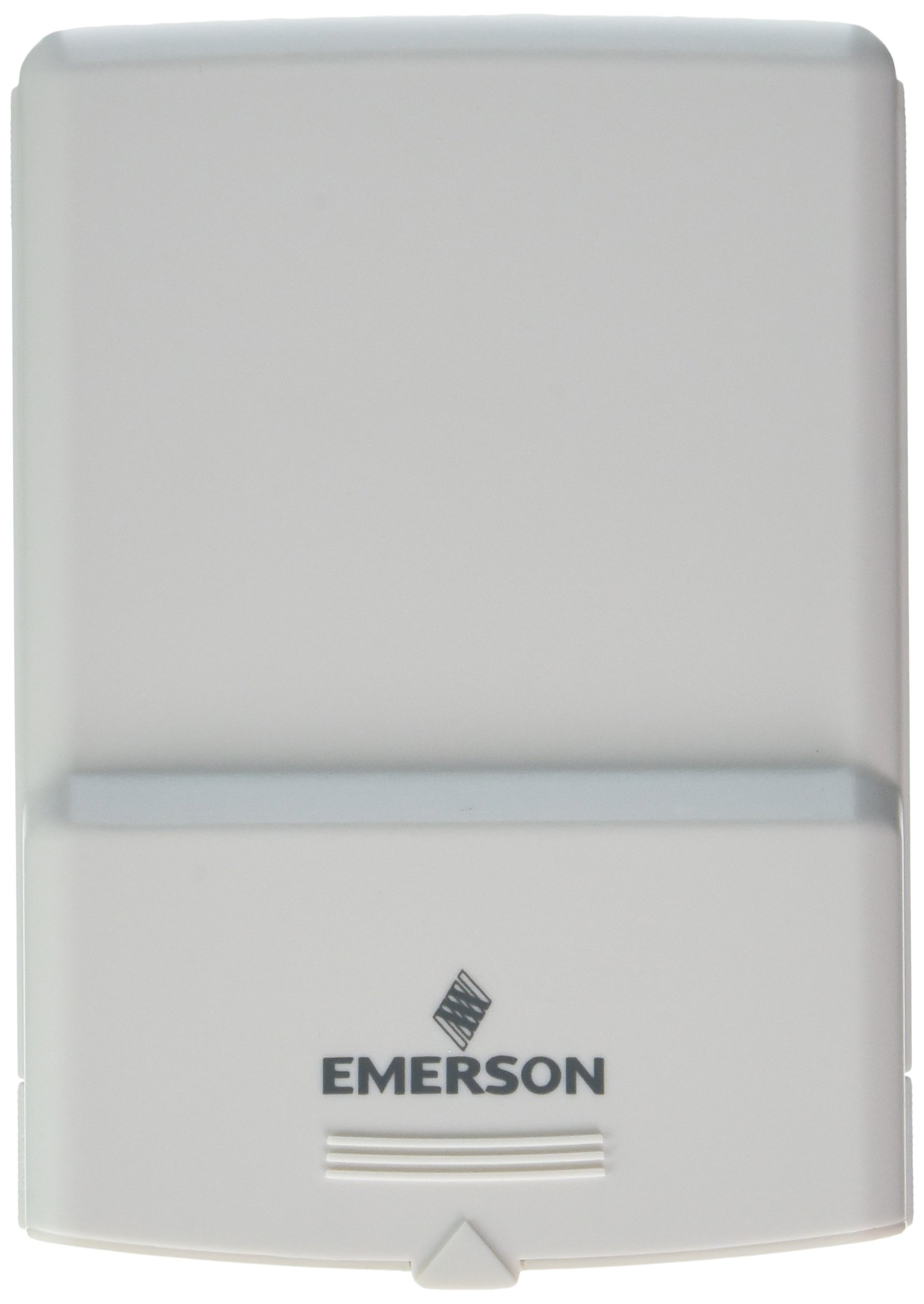
Figuur 1: Emerson F145RF-1600 Wireless Remote Temperature Sensor. The image displays the sensor in a hand, indicating its approximate height of 4.8 inches (12 cm). The sensor is light-colored, likely white or light grey, with the 'EMERSON' logo visible at the bottom front.
4. Opstelling
4.1. Battery Installasie
- Vind die batterykompartement aan die agterkant van die sensor.
- Maak die batteryvakdeksel oop.
- Insert two (2) AA alkaline batteries, ensuring correct polarity (+/-).
- Maak die batterykompartement se deksel stewig toe.
4.2. Pairing with Thermostat System
Refer to your Emerson BLUE Wireless Easy Install Universal Wireless Thermostat System manual for detailed pairing instructions. Generally, the process involves:
- Placing the thermostat system into pairing mode.
- Activating the sensor's pairing function (often a button press or battery insertion).
- Confirming successful pairing on the thermostat display.
Up to four F145RF-1600 sensors can be paired with a single Emerson BLUE Wireless Easy Install system.
4.3. Sensorplasing
Proper placement is crucial for accurate temperature readings and effective system operation.
- Binne-plasing:
- Place the sensor in a central location within the area you wish to monitor.
- Avoid placing near heat sources (lamps, appliances, direct sunlight) or cold drafts (windows, vents).
- Ensure it is not obstructed by furniture or curtains.
- Outdoor Placement (if applicable):
- Mount the sensor in a shaded area, away from direct sunlight, which can cause inaccurate readings.
- Protect it from direct rain and snow.
- Ensure it is easily accessible for battery replacement.
5. Bedryfsinstruksies
Once successfully paired and placed, the F145RF-1600 sensor will automatically transmit temperature data to your Emerson BLUE Wireless Easy Install Thermostat System. The thermostat system will then use this data to optimize heating and cooling, helping to maintain a more consistent temperature throughout your home.
- The sensor operates continuously, sending updates to the main thermostat.
- The thermostat system will display the temperature readings from the remote sensors and use them for its control logic.
- No direct user interaction is typically required with the sensor after setup, other than battery replacement.
6. Onderhoud
6.1. Battery vervanging
The sensor requires two (2) AA batteries. When batteries are low, your Emerson BLUE thermostat system may indicate a low battery warning for the sensor. Replace batteries promptly to ensure continuous operation.
- Maak die batterykompartement oop.
- Verwyder ou batterye.
- Insert new AA batteries, observing polarity.
- Maak die kompartement toe.
6.2. Skoonmaak
Wipe the sensor's exterior with a soft, dry cloth as needed. Do not use liquid cleaners or abrasive materials, as these can damage the device.
7. Probleemoplossing
| Probleem | Moontlike oorsaak | Oplossing |
|---|---|---|
| Sensor not reporting temperature / No signal |
|
|
| Onakkurate temperatuurlesings |
|
|
8. Spesifikasies
| Modelnommer | F145RF-1600 |
| Vervaardiger | White-Rodgers (Emerson) |
| Kragbron | Battery-aangedrewe |
| Batterye benodig | 2 AA batterye |
| Item gewig | 3.2 onse |
| Produk afmetings | 3.5 x 2.5 x 5.25 duim |
| Materiaal | Plastiek |
| Kleur | Blou (Note: Product image shows light grey/white) |
| Item Pakket Hoeveelheid | 1 |
9. Waarborginligting
Specific warranty details for the Emerson F145RF-1600 Wireless Remote Temperature Sensor are typically provided with the product packaging or can be found on the official Emerson/White-Rodgers webwebwerf. Bewaar asseblief u bewys van aankoop vir waarborgeise.
For detailed warranty terms and conditions, please visit the Emerson official webwebwerf of kontak kliëntediens.
10. Ondersteuning
If you encounter issues not covered in this manual or require further assistance, please contact Emerson customer support.
- Aanlyn ondersteuning: Besoek die Emerson Support Page for FAQs, documentation, and contact options.
- Telefoonondersteuning: Refer to your product packaging or the Emerson webwebwerf vir die mees onlangse kliëntediens telefoonnommers.