
Inleiding
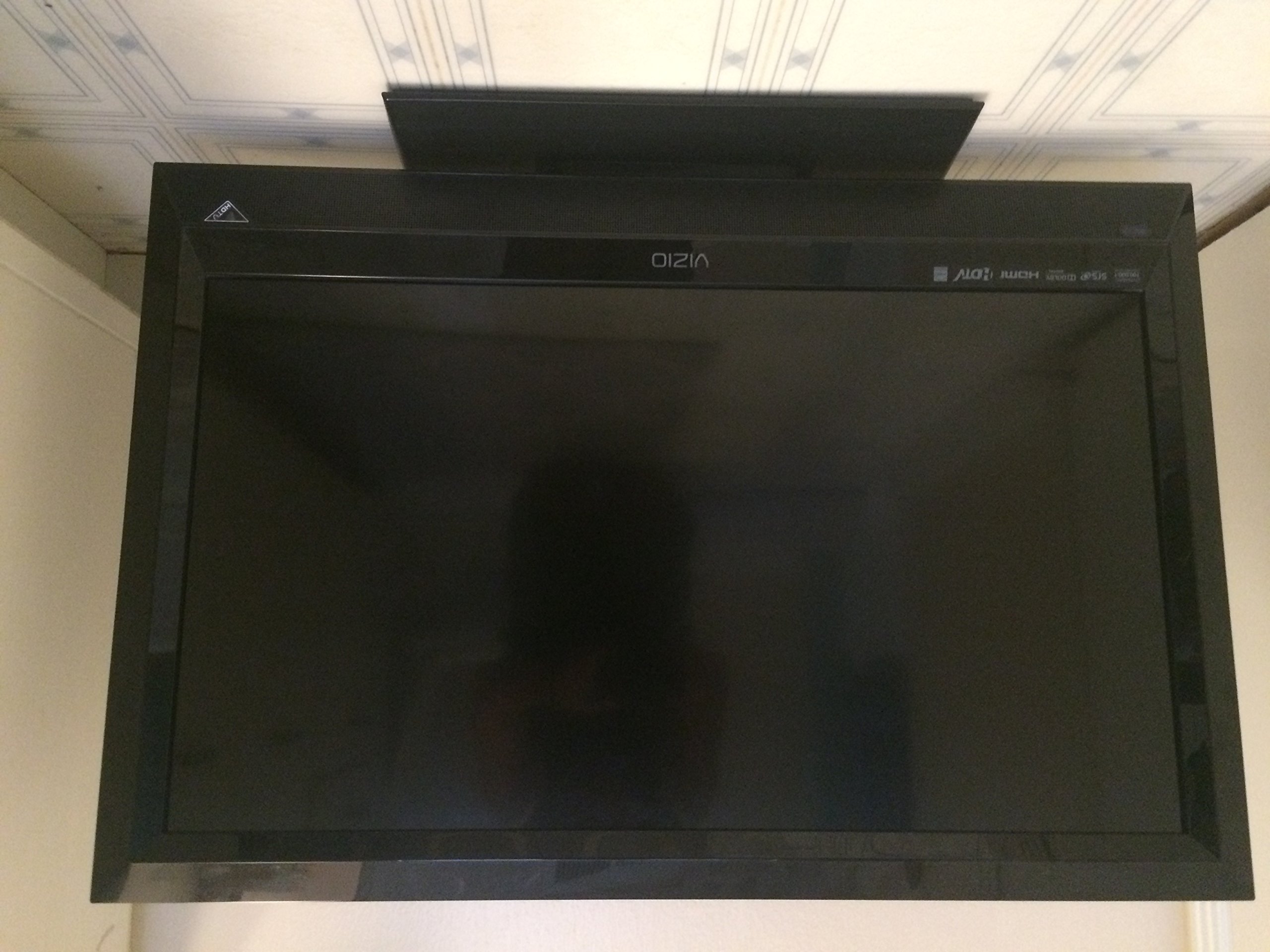
This manual provides essential information for the proper setup, operation, and maintenance of your VIZIO E321VL 32-Inch 720p LCD HDTV. Please read this manual thoroughly before using your television to ensure optimal performance and safety. Keep this manual for future reference.
Wat is in die boks
Verifieer dat alle komponente in die verpakking teenwoordig is:
- VIZIO E321VL 32-Inch 720p LCD HDTV
- TV-staanplek
- Remote Control (with 2 AA batteries)
- Kragkoord
- Vinnige Begingids (nie ingesluit in hierdie digitale handleiding nie)
Opstelling
Bevestiging van die staander
- Plaas die TV-skerm versigtig met die skerm na onder op 'n sagte, skoon oppervlak om skrape te voorkom.
- Align the TV stand with the mounting holes on the bottom of the television.
- Maak die staander vas met die meegeleverde skroewe. Maak seker dat die staander stewig vas is voordat u voortgaan.
- Lig die TV versigtig op en plaas dit op 'n stabiele, gelyk oppervlak.
Verbind toestelle
The VIZIO E321VL offers various connection options for your external devices. Refer to the image below for port locations.
This image displays the back panel of the VIZIO E321VL television, highlighting the various input and output ports for connecting external devices. These include HDMI, Component, Composite, VGA, USB, and audio connections, along with the power input.
- Kragverbinding: Connect the power cord to the AC IN port on the back of the TV and then to a wall outlet.
- HDMI-toestelle: For high-definition video and audio, connect devices like Blu-ray players, game consoles, or cable/satellite boxes to the HDMI ports. This model features two HDMI ports.
- Komponentvideo: For high-quality analog video, connect devices using component (YPbPr) cables to the COMPONENT IN ports. Ensure audio cables (red/white) are also connected to the corresponding AUDIO IN ports.
- Saamgestelde video: For standard definition video, connect devices using composite (yellow) video and red/white audio cables to the AV IN ports.
- VGA (PC) Connection: Connect a computer to the VGA port for use as a monitor. Ensure an audio cable is connected from your computer's audio output to the PC AUDIO IN port.
- USB-poort: Insert a USB flash drive into the USB port to view JPEG photos.
- Antenna/kabel: Connect an antenna or cable TV coaxial cable to the CABLE/ANTENNA input for over-the-air or standard cable channels.
Bedryfsinstruksies
Basiese werking
- Krag aan/af: Press the POWER button on the remote control or on the TV to turn the television on or off.
- Invoerkeuse: Press the INPUT button on the remote to cycle through available input sources (HDMI 1, HDMI 2, Component, AV, VGA, TV).
- Volumebeheer: Use the VOL +/- buttons to adjust the audio volume.
- Kanaalkeuse: Use the CH +/- buttons to change channels or enter channel numbers directly using the number pad.
- Kieslysnavigasie: Press the MENU button to access the on-screen display (OSD) menu. Use the arrow buttons to navigate and the OK/SELECT button to confirm selections.
Prentinstellings
Access the Picture menu to adjust settings such as:
- Prentmodus: Select from preset modes (e.g., Standard, Movie, Game) or customize your own.
- Helderheid: Adjust the overall lightness or darkness of the image.
- Kontras: Adjust the difference between the lightest and darkest areas of the image.
- Kleur: Adjust the intensity of colors.
- Tint: Adjust the green-to-magenta balance (primarily for NTSC signals).
- Skerpte: Adjust the clarity of image edges.
- Omgewingsligwaarneming: This feature automatically adjusts the TV's backlight levels based on the room's ambient light, optimizing picture quality and energy efficiency.
Oudio-instellings
Access the Audio menu to adjust settings such as:
- Volume: Pas die hoofvolumevlak aan.
- SRS TruVolume: This feature helps to maintain a consistent volume level across different channels and programs, reducing sudden volume changes.
- SRS TruSurround HD: Enhances the audio experience by creating a virtual surround sound effect from the TV's built-in speakers.
- Saldo: Adjust the audio output between the left and right speakers.
- Gelykmaker: Pas oudiofrekwensies aan vir gepersonaliseerde klank.
USB Media Playback (JPEG Photo Vieweh)
Om view JPEG photos from a USB flash drive:
- Insert a USB flash drive containing JPEG images into the USB port on the side or back of the TV.
- Select the USB input source using the INPUT button on your remote.
- Navigate through your photos using the remote control's arrow buttons.
Onderhoud
Maak die TV skoon
- Skerm: Vee die skerm liggies af met 'n sagte, pluisvrye lap. Vir hardnekkige merke, vee liggiesampMaak die lap skoon met water of 'n gespesialiseerde skermreiniger. Moet nooit die skoonmaakmiddel direk op die skerm spuit nie.
- Kabinet: Vee die TV-kas af met 'n sagte, droë lap. Vermy die gebruik van skuurmiddels, wasse of oplosmiddels.
- Ventilasie: Maak seker dat die ventilasie-openinge aan die agterkant van die TV nie geblokkeer is om oorverhitting te voorkom nie.
Battery vervanging
Replace the remote control batteries when its range decreases or it stops responding. The remote uses two AA alkaline batteries.
Probleemoplossing
As jy probleme met jou TV ondervind, raadpleeg die volgende algemene probleme en oplossings:
- Geen krag:
- Ensure the power cord is securely connected to the TV and a working electrical outlet.
- Kontroleer of die aansluiting werk deur 'n ander toestel in te prop.
- Try pressing the power button on the TV itself, not just the remote. - No Picture, But Has Sound:
- Verify the correct input source is selected (press INPUT on the remote).
- Check all video cable connections between the TV and your source device.
- Try another source device to determine if the issue is with the TV or the source. - No Sound, But Has Picture:
- Ensure the volume is not muted or set to zero.
- Check audio cable connections for external devices.
- If using an external audio system, ensure it is powered on and correctly configured. - Afstandbeheer werk nie:
- Replace the batteries with new ones.
- Ensure there are no obstructions between the remote and the TV's remote sensor.
- Point the remote directly at the TV. - Swak beeldkwaliteit:
- Adjust picture settings (Brightness, Contrast, Sharpness, etc.) in the Picture menu.
- Ensure you are using high-quality cables for HD sources (e.g., HDMI).
- If using an antenna, try repositioning it or performing a channel scan.
Spesifikasies
Key technical specifications for the VIZIO E321VL 32-Inch 720p LCD HDTV:
| Kenmerk | Spesifikasie |
|---|---|
| Modelnommer | E321VL |
| Skerm grootte | 32 duim |
| Vertoon tegnologie | LCD |
| Resolusie | 720p |
| Herlaaitempo | 60 Hz |
| Dinamiese kontrasverhouding | 100,000:1 |
| HDMI-poorte | 2 |
| Component Inputs | 1 |
| Composite Inputs | 1 |
| VGA-insette | 1 |
| USB-poorte | 1 |
| Oudio Tegnologie | SRS TruVolume, SRS TruSurround HD |
| Kragtoevoer | 110 VAC, 60 Hz |
| Item gewig | 20.3 pond |
| Modeljaar | 2011 |
| Tuner Tipe | ATSC |
| Energie-nakoming | ENERGY STAR 4.1 Guidelines |
Waarborg en Ondersteuning
Your VIZIO E321VL 32-Inch 720p LCD HDTV is covered by a 1-jaar beperkte waarborg vanaf die aankoopdatum. Hierdie waarborg dek defekte in materiaal en vakmanskap onder normale gebruik.
For detailed warranty terms, technical support, or service inquiries, please visit the official VIZIO support website or contact VIZIO customer service. Keep your purchase receipt as proof of purchase for warranty claims.