
1. Belangrike veiligheidsinstruksies
Read all instructions before using the shredder. Keep this manual for future reference.
- Keep hands, jewelry, and loose clothing away from the paper entry slot.
- Keep hair away from the paper entry slot.
- Hou kinders en troeteldiere te alle tye weg van die versnipperaar.
- Ontkoppel die versnipperaar wanneer dit nie gebruik word nie of voor skoonmaak.
- Moenie aërosolprodukte, petroleumgebaseerde smeermiddels of ander vlambare produkte op of naby die versnipperaar gebruik nie.
- Moenie metaalvoorwerpe, nat papier of kleefmateriaal versnipper nie.
- The shredder is equipped with SafeSense Technology, which automatically disables the shredder when hands touch the paper opening.
2. Produk verbyview
The Fellowes Powershred 79Ci is a heavy-duty crosscut paper shredder designed for office and home use. It features 100% Jam-Proof technology and SafeSense protection for enhanced safety and efficiency.
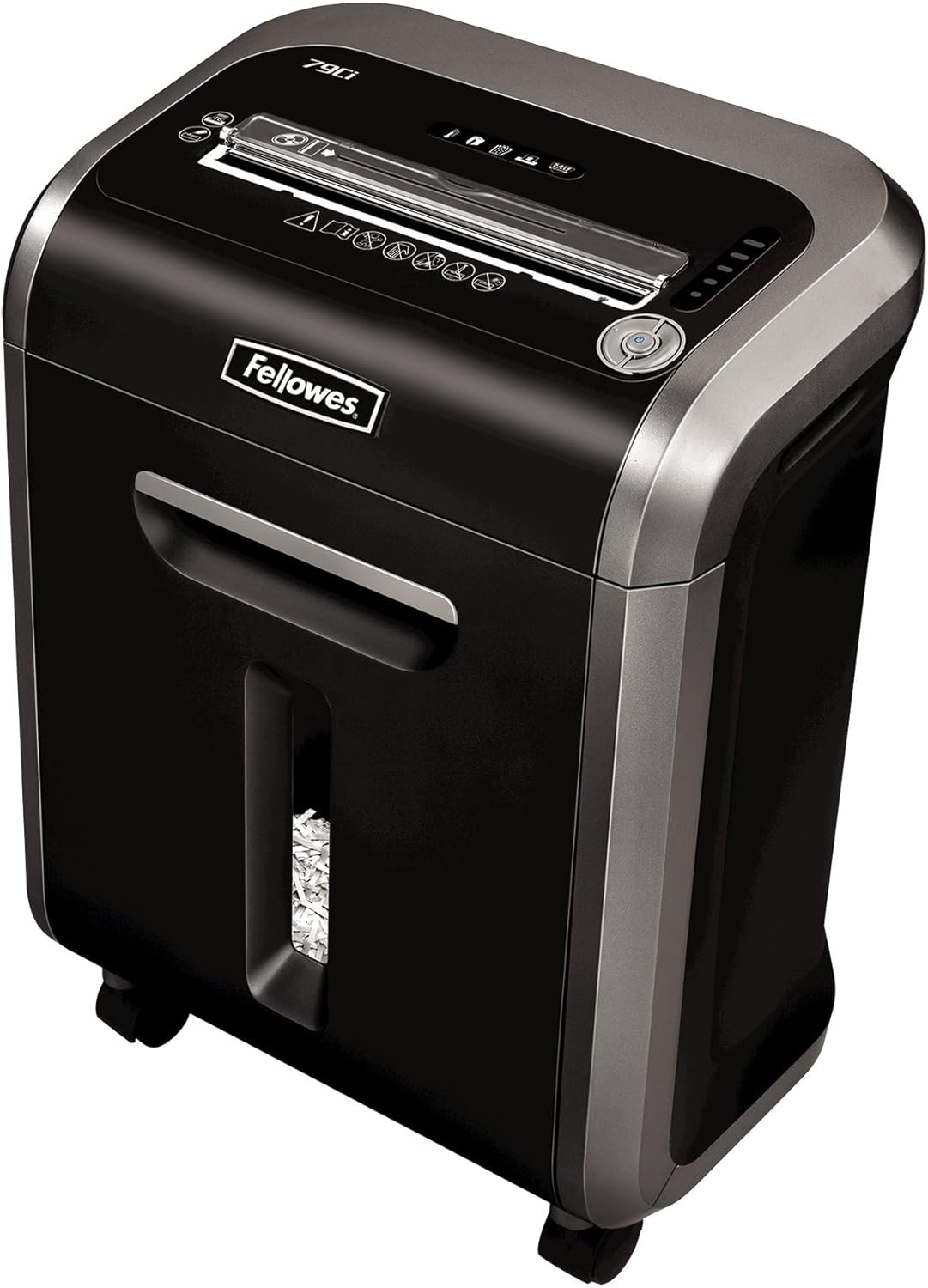
Figure 1: Fellowes Powershred 79Ci Crosscut Paper Shredder.
3. Opstelling
- Uitpak: Verwyder die versnipperaar versigtig uit sy verpakking. Bewaar die verpakking vir toekomstige vervoer of berging.
- Plasing: Place the shredder on a flat, stable surface. Ensure adequate ventilation around the unit. The shredder dimensions are approximately 13.8 x 18.5 x 23.1 inches.
- Kragverbinding: Steek die kragkabel in 'n geaarde elektriese aansluiting.

Figure 2: The Fellowes Powershred 79Ci is designed to fit conveniently in various office and home environments.
4. Operasie
4.1 Aan-/afskakel
Locate the power switch on the control panel. Set it to the 'ON' position to activate the shredder. The shredder will enter standby mode when not actively shredding.
4.2 Laai Dokumente
Insert materials into the paper entry slot. The shredder will automatically detect the material and begin shredding.
- Vraestel: The 79Ci can shred up to 16 sheets of 20lb bond paper per pass. Do not exceed this capacity to prevent jams.
- Ander materiaal: This shredder is capable of shredding staples, credit cards, paper clips, CDs/DVDs, and junk mail. Insert these items into the designated entry slot if separate, or directly into the main paper entry if indicated by the machine.

Figure 3: The 79Ci can handle a variety of materials for comprehensive security.
4.3 Jam-Proof Technology (SafeSense)
The 79Ci features 100% Jam-Proof technology, which automatically detects and powers through tough jobs to prevent jams. Additionally, SafeSense Technology automatically stops shredding when hands or paws touch the paper opening, enhancing user safety.

Figure 4: SafeSense Technology provides immediate shutdown upon contact with the paper entry.
4.4 Continuous Run Time
The shredder can operate continuously for up to 20 minutes before requiring a cool-down period. This allows for efficient handling of multiple shredding tasks.

Figure 5: The shredder's efficient design supports extended operation.
4.5 Stil Bedryf
The 79Ci is designed for ultra-quiet operation, making it suitable for shared workspaces without causing significant disruption.
4.6 Veiligheidsvlak
This crosscut shredder provides Level P-4 security, tearing paper into 5/32 x 1-1/2 inch particles for enhanced data protection.
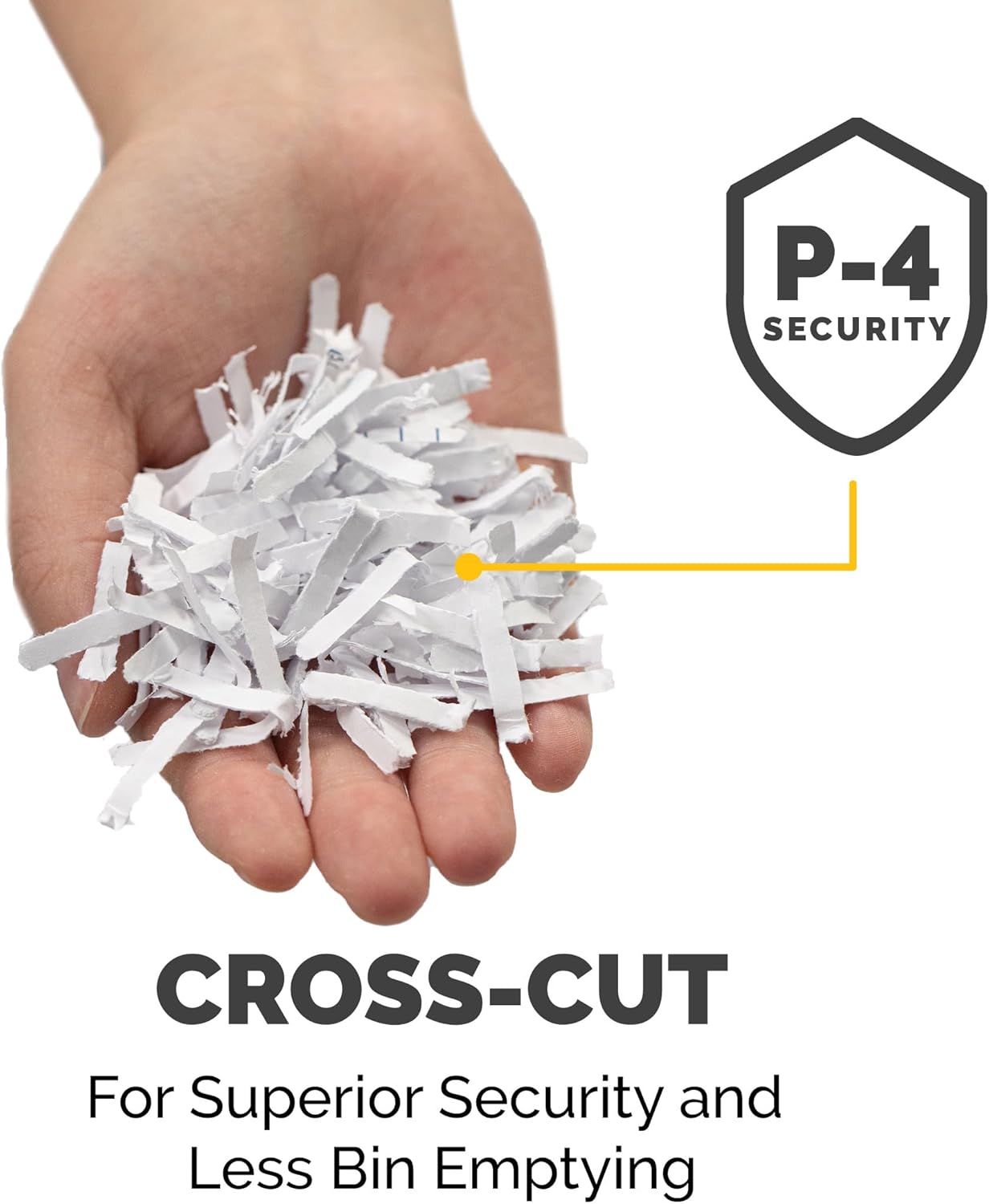
Figure 6: Cross-cut particles offer superior security and reduce bin emptying frequency.
4.7 Produkvideo
Video 1: Amptelike oorwinningview of the Fellowes 79Ci Cross Cut Shredder, demonstrating its features and operation.
5. Onderhoud
5.1 Maak die afvalbak leeg
The shredder features a 6-gallon pull-out waste bin. An LED bin-full indicator will illuminate when the bin needs to be emptied. Pull out the bin, dispose of the shredded material, and slide the bin back into place until it clicks securely.

Figure 7: The 6-gallon bin holds a significant volume of shredded material.
5.2 Olie van die versnipperaar
To maintain optimal performance and extend the life of the shredder, it is recommended to oil the cutting blades regularly. Apply a small amount of shredder oil (or vegetable oil) across the paper entry slot and then run the shredder in forward mode for a few seconds. This should be done after emptying the waste bin or after approximately 30 minutes of cumulative shredding.
6. Probleemoplossing
- Papier vas: If a paper jam occurs, the 100% Jam-Proof technology will attempt to clear it automatically. If the jam persists, use the reverse function to back out the paper, remove the excess material, and then re-feed a smaller quantity.
- Oorverhitting: If the shredder runs for its maximum continuous run time (20 minutes) or is overloaded, it may overheat and automatically shut down. Allow the shredder to cool down for approximately 30 minutes before resuming operation.
- Bin volledige aanwyser: If the LED bin-full indicator is illuminated, empty the waste bin as described in the Maintenance section.
- Deur oop aanwyser: Ensure the waste bin is fully inserted and the shredder head is properly seated. The shredder will not operate if the bin is not correctly closed.
7. Spesifikasies
| Kenmerk | Spesifikasie |
|---|---|
| Produk afmetings | 13.8 x 18.5 x 23.1 duim |
| Item gewig | 28.2 pond |
| Modelnommer | 3227919 |
| Tipe sny | Kruissny |
| Bladkapasiteit | 16 velle |
| Bakkapasiteit | 6 liter |
| Veiligheidsvlak | P-4 |
| Deurlopende looptyd | 20 minute |
| Versnipperde materiale | Paper, Staples, Credit Cards, Paper Clips, CDs/DVDs, Junk Mail |
8. Waarborg en Ondersteuning
The Fellowes Powershred 79Ci is backed by a 2-year product and service warranty, and a lifetime warranty on the cutters. For warranty claims, technical support, or further assistance, please refer to the contact information provided on your product packaging or visit the official Fellowes webwebwerf.